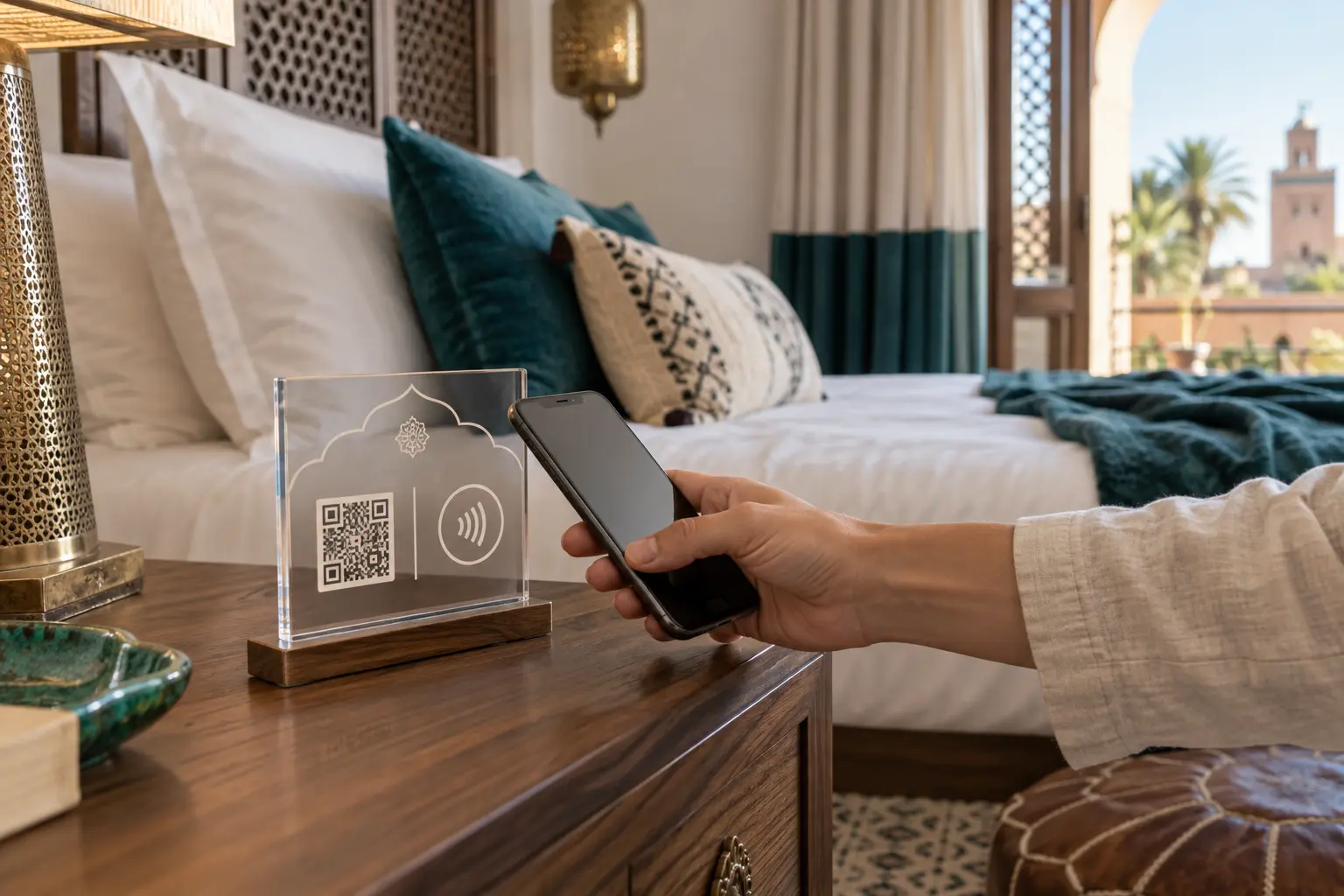
Access without an app
A QR code opens with the phone camera, while NFC opens the same link with a tap. Offering both methods supports more devices and guest habits.
Choose useful locations
Place a readable sign in the room near the desk or Wi-Fi information and another at reception. Send the link before arrival when guests need preparation details.
Measure with respect
Count visits and popular sections to improve the guide without turning it into surveillance. Explain measurement clearly and minimise personal data.
Use QR and NFC together
QR is visible and familiar, while NFC provides a faster tap but may depend on device settings. A good sign offers both and sends both interactions to the same HTTPS address.
Design for reliable scanning
Keep strong contrast and clear space around the QR code, avoid glare and curved surfaces, and isolate NFC tags from metal. Test a production sample with Android and iPhone under different lighting and average mobile connectivity.
Keep control of the destination
Program a stable URL owned by the platform or property, not a temporary PDF link. Never expose passwords, email addresses or plain room numbers in public URLs. Use an opaque server-controlled identifier when room-specific access is required.
Pilot, measure and maintain
Begin with one room, observe real use, then expand to reception and shared spaces. Label each touchpoint for aggregate measurement without identifying the guest. Regularly check damaged signs, hidden codes and broken destinations.
FAQ
Does NFC work on every phone?
Most recent smartphones support it, but QR remains the universal fallback.
Do content updates require a new QR code?
No, not when the code opens a stable URL.
Should the room number be in the URL?
No. Use an opaque server-controlled identifier.